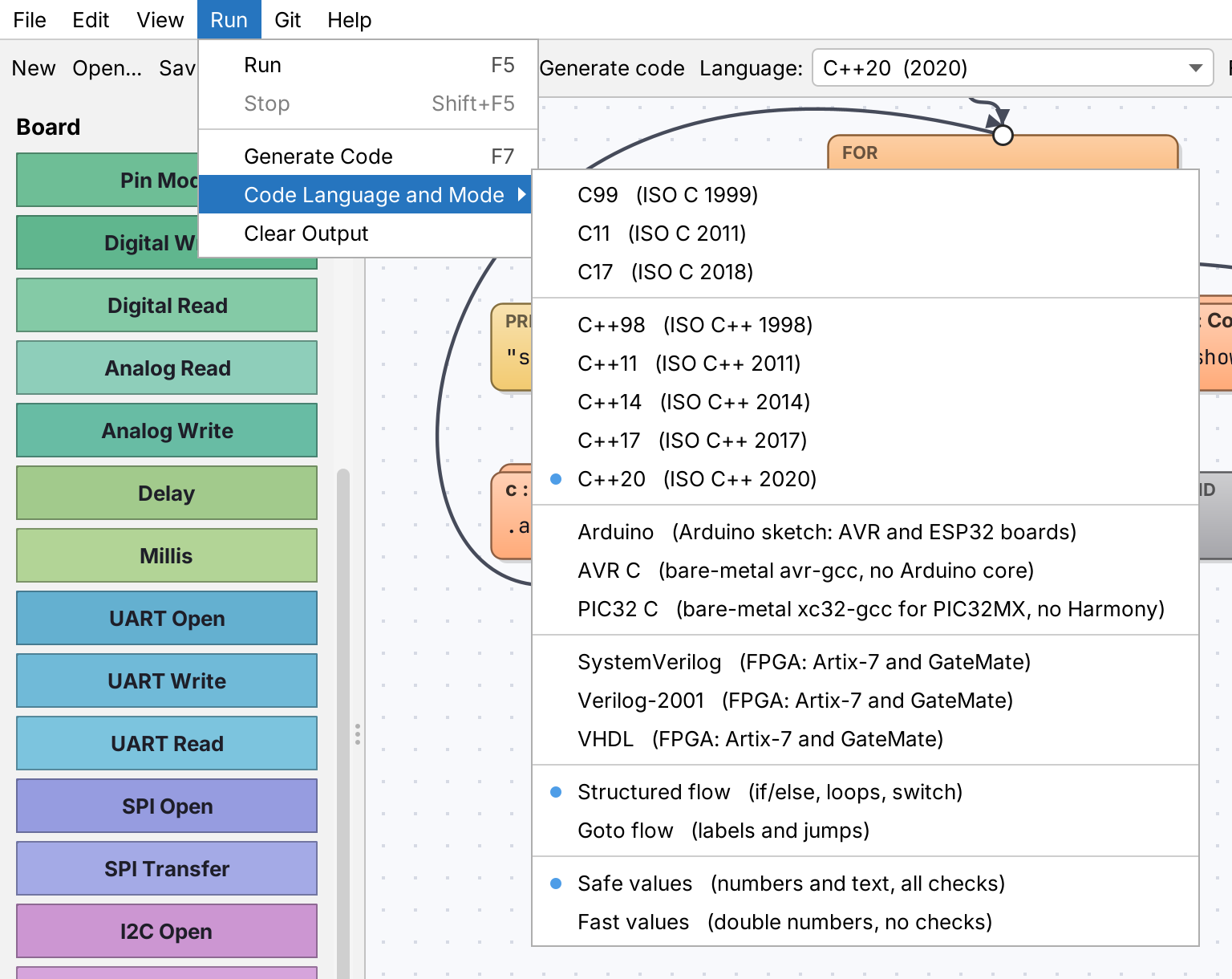
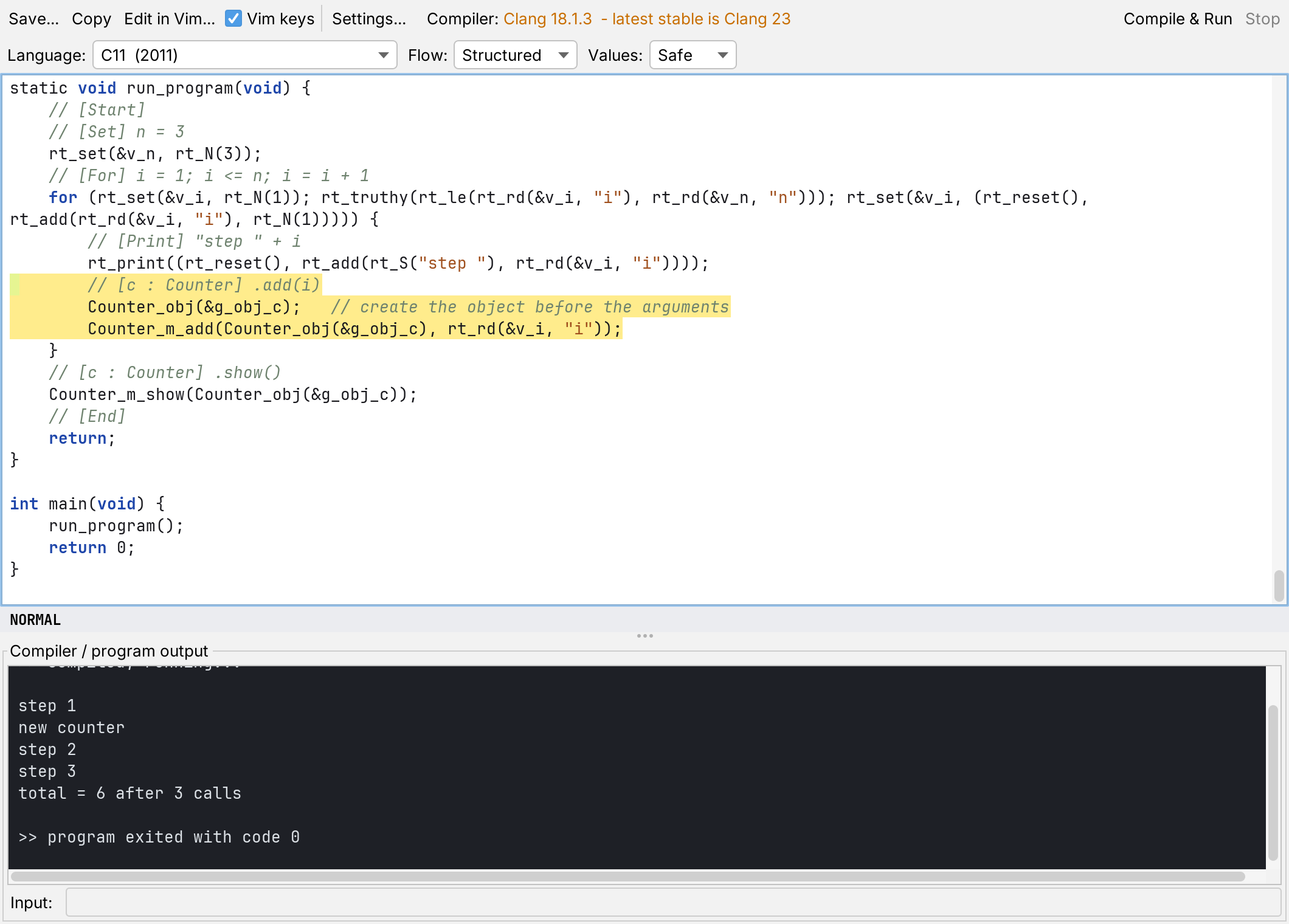
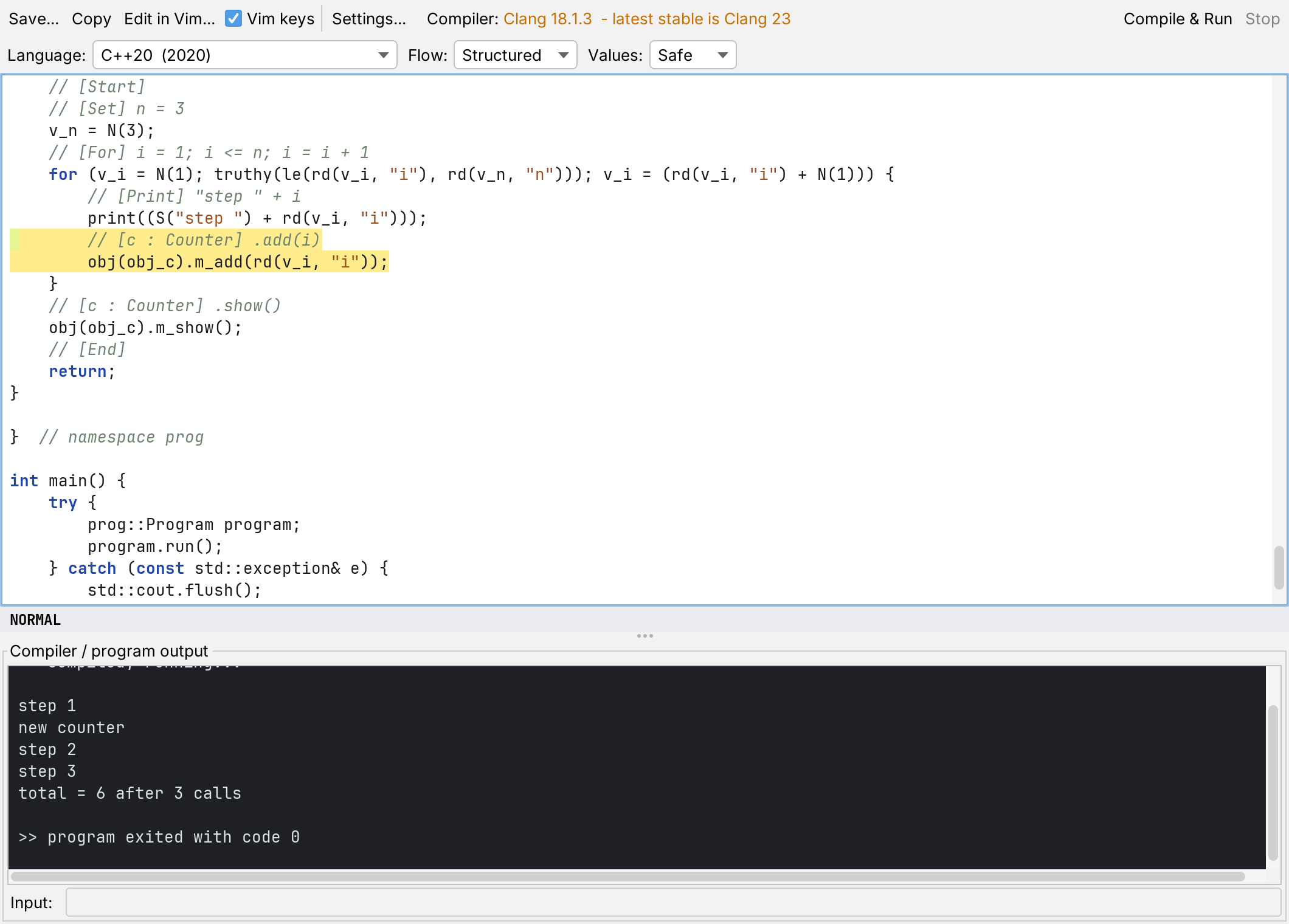
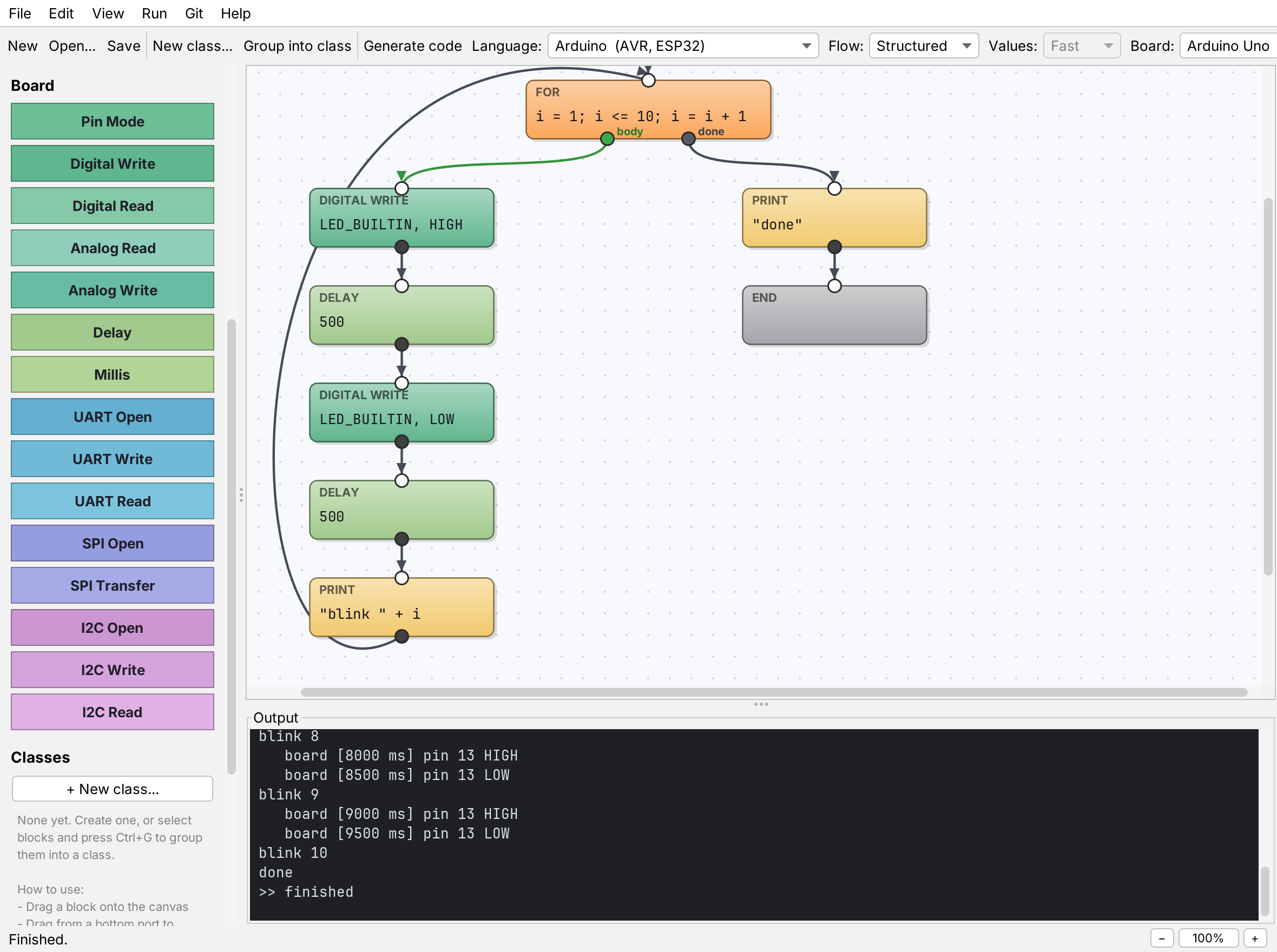
Bare metal, down to the registers
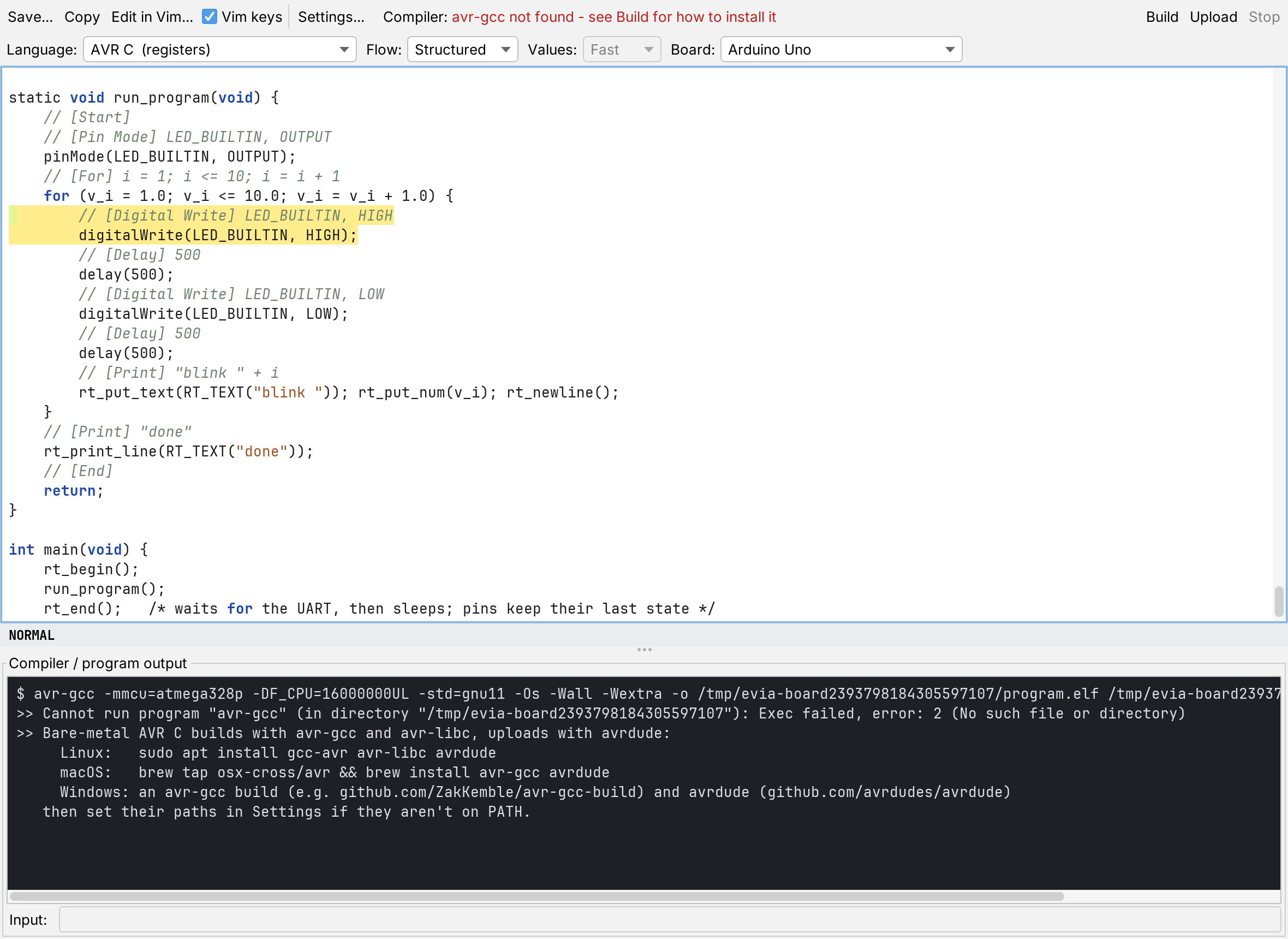
AVR C writes the program for the ATmega328P, ATmega2560 or ATmega32U4 without the Arduino core:
ports, timers, PWM, the ADC and the UART are set up in plain C that you can read. avr-gcc builds it in
about 4 KB, and Upload sends it to the board with avrdude. Every example is run in the simavr simulator
and checked against the interpreter.
New in 0.5: PIC32 C does the same for nine PIC32MX chips with Microchip's XC32, and UART, SPI and I2C are
blocks, in Run and in all three board languages. The PIC32 code is checked against Microchip's device
headers, but has not yet been built with XC32 or run on a chip.
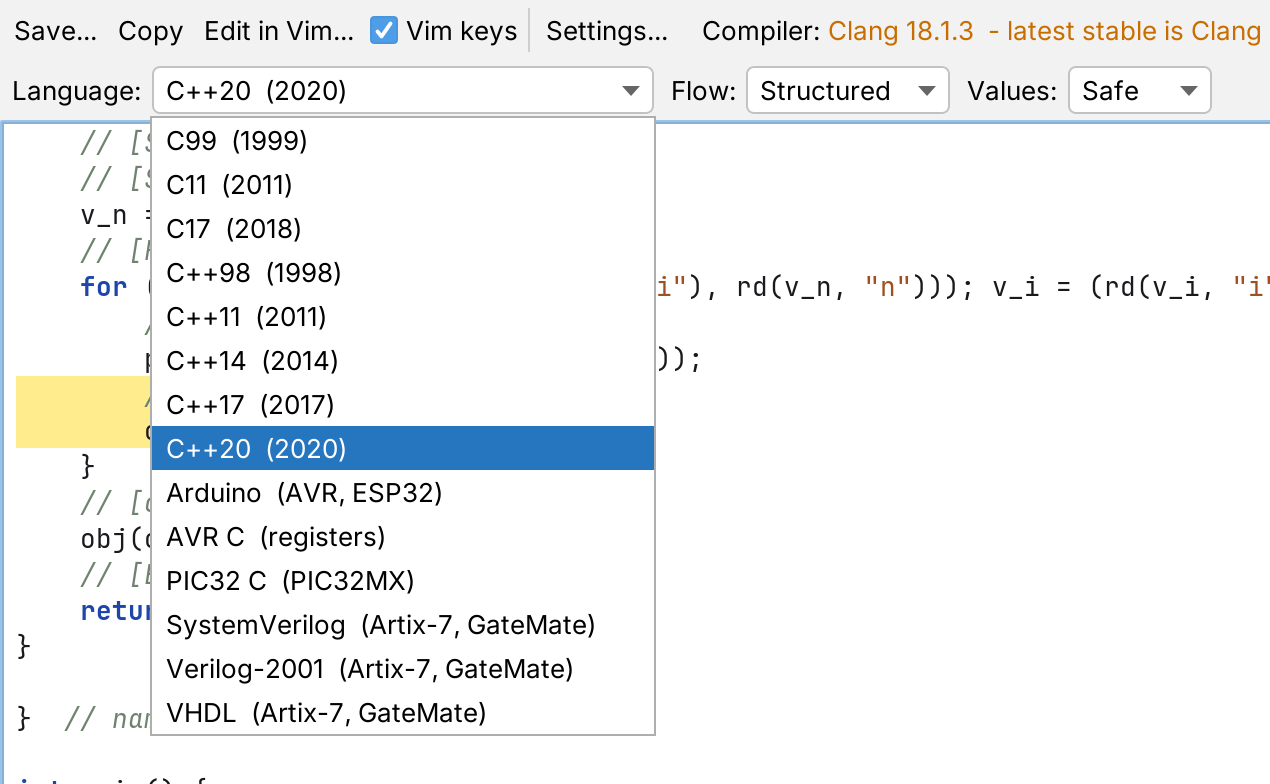
New in 0.6: FPGA support. SystemVerilog, Verilog-2001 and VHDL turn the same diagram into hardware for Artix-7 (Nexys A7, Arty A7, Basys 3) and Cologne Chip GateMate boards. The output is simulated against Run and synthesised with open-source tools, but has not been run through Vivado or loaded onto a board.
New in 0.6.5: MQTT. Five blocks publish a program's numbers to a broker and read commands back: on a PIC32MX with a WiFi module on UART2, on an ESP32 with its own WiFi, and in Run against a broker on your computer. Two examples come with it, one of them for the PIC32 Ethernet Starter Kit II. The generated client is checked against a real broker; no WiFi module or chip was part of that. New in 0.6.7: MQTT can also leave through the chip's own Ethernet port on the MX695, the MX795 and the starter kit, as an MPLAB X Harmony application — experimental, and not yet built against real Harmony. The interface itself is now in English, Russian or Armenian too, chosen in Settings.
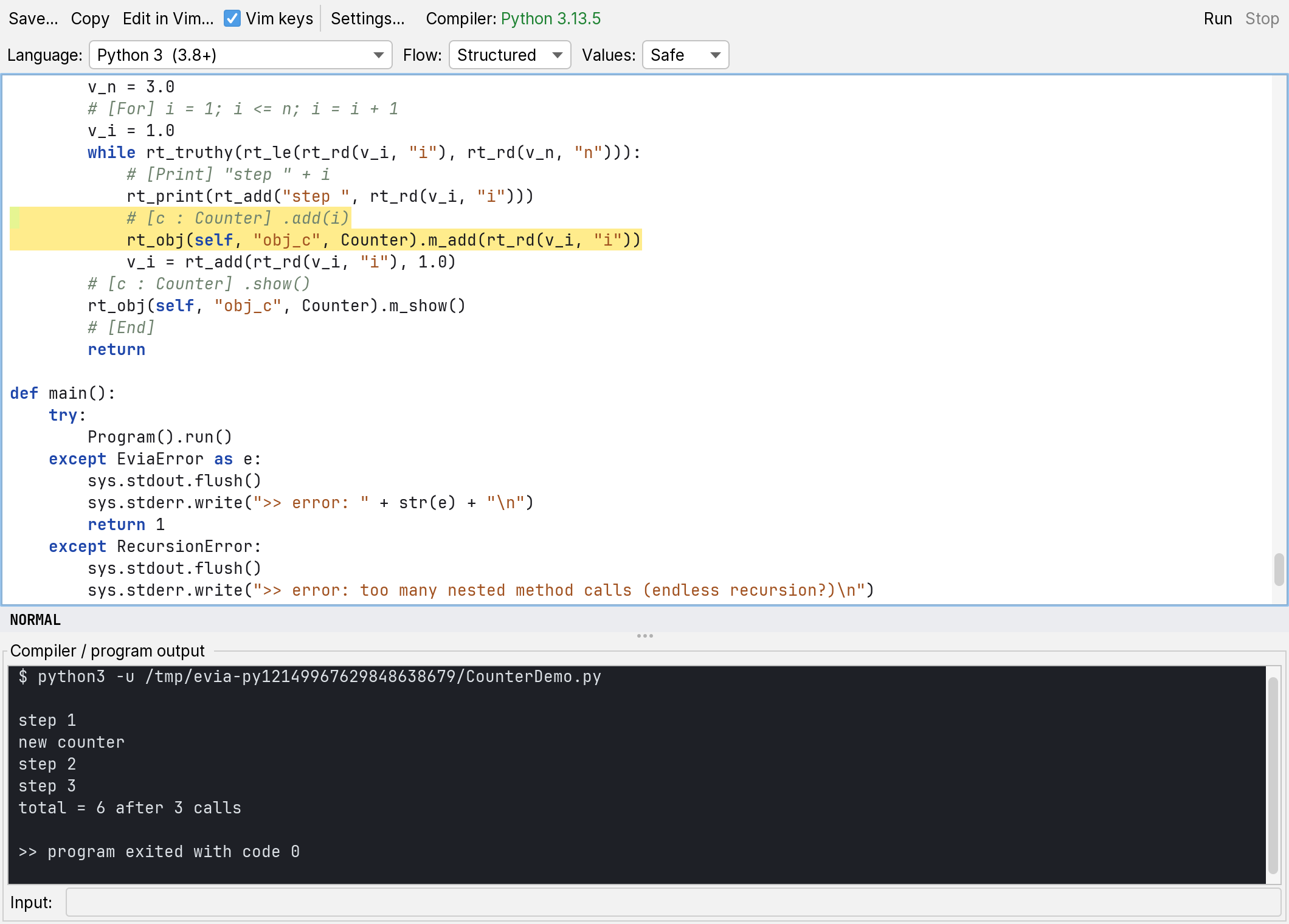
New in 0.6.9: Python 3. The same diagram becomes one .py file that runs on Python 3.8 or newer with nothing to install, and Run in the code window starts it. Its output, errors and exit code match the interpreter's, like every C and C++ standard.
New in 0.7.0: Settings live in the File menu, with one page per device family — General, C, C++ and Python, Arduino, ESP32, AVR C, PIC32 and FPGA — and Open Example has separate Arduino, ESP32 and PIC32 submenus that also pick the matching language and board.
New in 0.8.0: the installers bring their toolchains — avr-gcc with avrdude, and the OSS CAD Suite for FPGAs — so bare-metal AVR C and the FPGA flows work with nothing to set up. Microchip's free XC32 installs from inside the application (Settings, PIC32, Get XC32), straight from microchip.com. Settings and Devices are now menus of their own.
New in 0.7.1: an AppImage for any Linux on x86-64, next to the .deb — one executable file with the Java runtime inside it, nothing to install and no root needed. The modules a board program can use are described above: UART, SPI, I2C and MQTT.
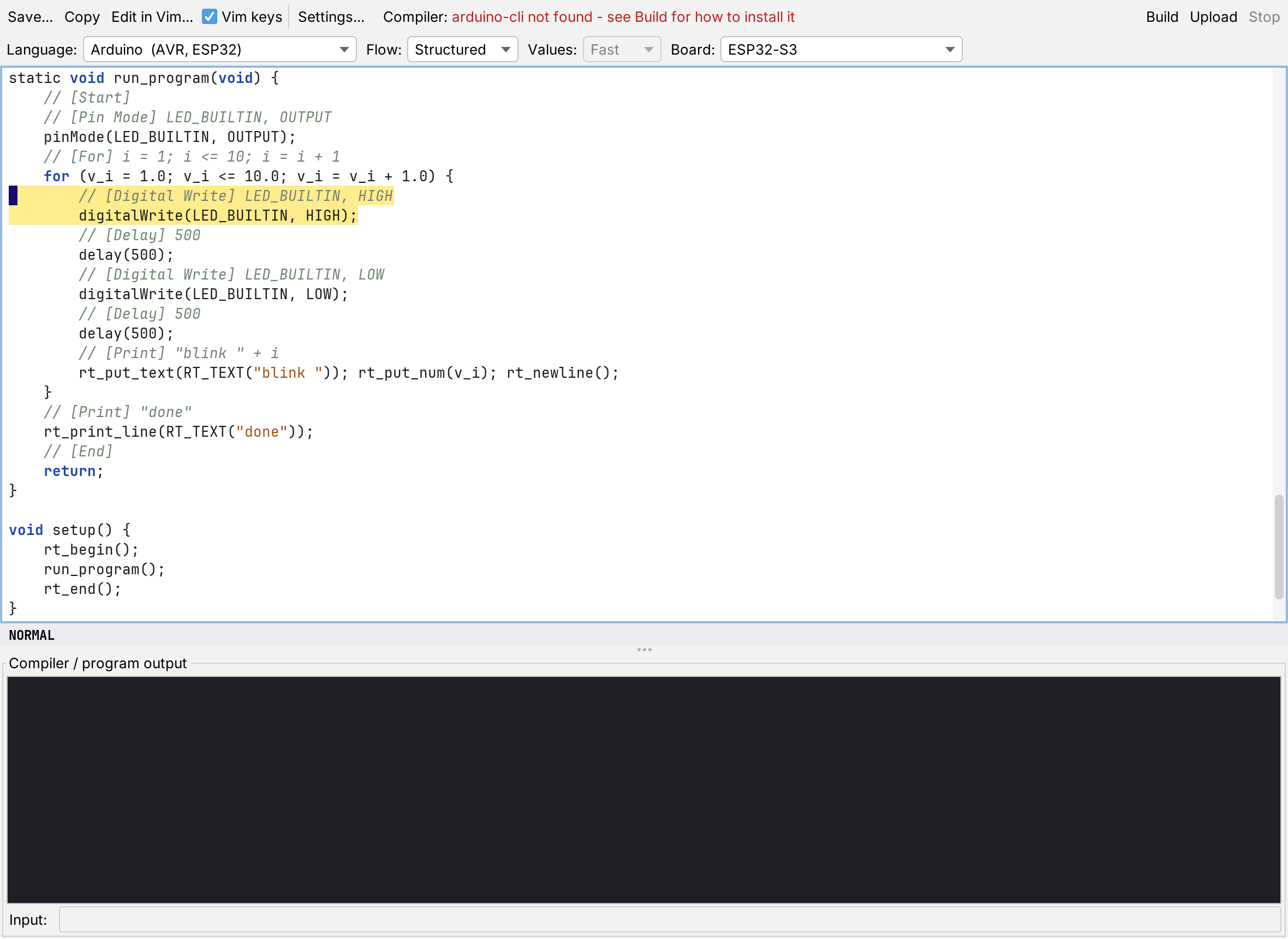
New in 0.9.0: STM32. The Blue Pill, Black Pill, Nucleo-F401RE, Nucleo-F411RE and STM32F4DISCOVERY take the same diagrams as bare-metal STM32 C (registers only, its own start-up code and linker script) or as Arduino sketches with STMicroelectronics' core, and Upload sends them through an ST-Link with OpenOCD. The installers are now small online installers: the toolchains — arduino-cli, avr-gcc, the Arm GNU Toolchain, OpenOCD and the OSS CAD Suite — are packages of the EVIA server, picked on the first start and updated in place from Settings, Packages and Updates, and the application updates itself the same way. The STM32 code is built with arm-none-eabi-gcc and run in QEMU in CI, but has not yet been run on a board.
New in 0.10.0: Java, Kotlin and Android. The same diagram becomes a Java or Kotlin program, compiled and run from the code window, or an Android app that EVIA Paradigma builds without Gradle and installs on a phone over USB. The JDK and the Kotlin compiler are packages of the EVIA server; the Android SDK comes from Google once you accept its licence.
New in 0.10.1: the phone's sensors. A Phone Sensor block reads the accelerometer, the gyroscope and the GPS of an Android phone, and Run simulates them. File, Open Example, Android Phones has three apps to start from: Hello world, a GPS viewer and a motion tester.